 Умное Кафе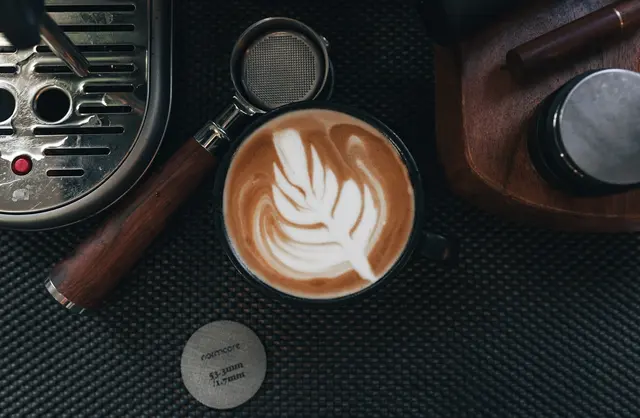
The menu is always at hand
Photos, details and prices open by QR code in a browser — without a separate app.
Open the real demo menu ↗For the people who feed the city
Coffee, pastries and seasonal additions on the guest’s phone. The barista receives the order, details and comment.
Then from 1 990 ₽/monthNo bank card. We agree the start date when access is provided. A call is optional.
Update drink prices, show new pastries and hide sold-out items. Guests choose from the current menu while the barista prepares.
For the people who feed the city
Photos, details and prices open by QR code in a browser — without a separate app.
Open the real demo menu ↗Update the menu and sold-out list in the dashboard. The QR code on the table stays the same.
Items, quantity, table and comment arrive in the Telegram or MAX team chat.
Try an example order ↓The service does not charge a percentage of orders; bank fees are paid separately.
Pricing ↓14 days free
Choose a plan and only the services your team needs.
One venue, up to 5 tables
Services are optional. Printing is separate. Every menu item after 100: 50 ₽
0% service commission on orders. Acquiring, cash register, fiscal-data operator, delivery and printing are not included in the subscription. Their providers set the price.
One venue, up to 5 tables
One venue, up to 20 tables
Up to 50 tables, menu in 6 languages
From 5 branches, individual terms
Your name, venue and preferred way to reach you. A call is not required.
We agree access and the start date for the 14 days. You can prepare the menu and QR codes yourself.
Follow the guest path, check notifications and see how the team works. Paid continuation is only with your confirmation.
In a standard launch, a staff member transfers the order into the current cash register. There is no automatic transfer to iiko or r_keeper; we assess an integration separately.
For online payment, the venue needs an agreement with a bank or payment service. Funds go to the venue; receipts and refunds are its responsibility. Available payment methods are checked during connection.
Try an example order
Coffee, pastries and seasonal additions on the guest’s phone. The barista receives the order, details and comment.
Open the real demo menu ↗
Questions
Change photos, descriptions, prices and availability in the dashboard. QR codes on tables stay the same.
The date is agreed when access is provided. No bank card is needed. After the trial, paid continuation is possible only with the venue’s confirmation.
No. The menu opens in Telegram, MAX and a regular browser. No separate app is required.
An up-to-date menu, selected tables or a waiting area, QR codes, and a shift phone or tablet with internet access.
The service accepts an order with a name, phone number and address. The venue arranges the courier, price and actual delivery.
Take orders as you normally do. Before entering an order again, check the status of the one already sent.
In a standard launch, a staff member transfers the order into the current cash register. There is no automatic transfer to iiko or r_keeper; we assess an integration separately. For online payment, the venue needs an agreement with a bank or payment service. Funds go to the venue; receipts and refunds are its responsibility. Available payment methods are checked during connection.
14 days free
Leave three fields. We will contact you using the details provided and agree access.
No bank card. We agree the start date when access is provided. A call is optional.